
First time in the Community? Start here!
-
Follow these steps to get started
1. Add to your profile & set a profile picture
Help others in the community understand who you are and what you're interested in.
2. Follow topics
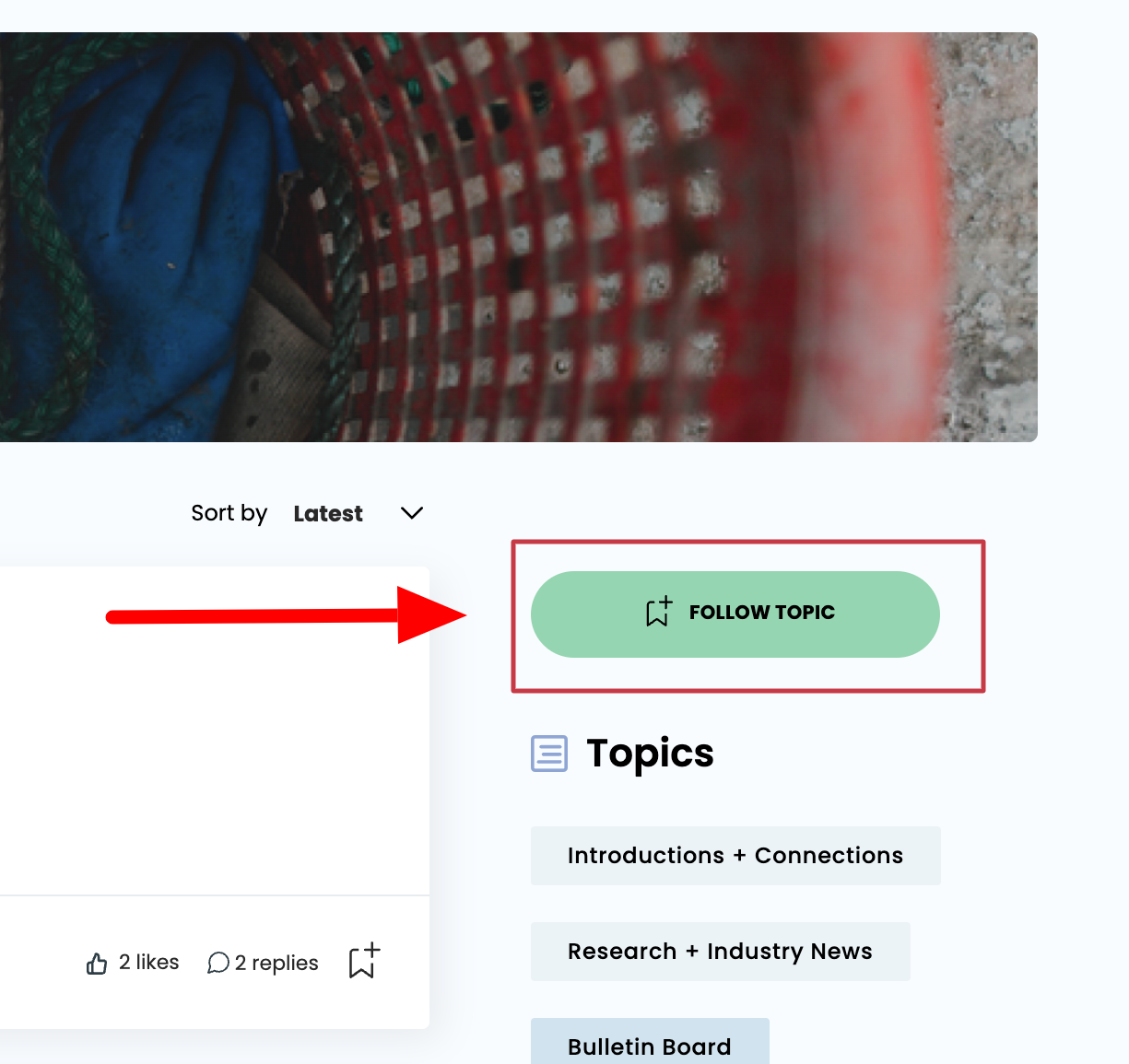
Follow a topic by clicking on the topic, and then clicking the "Follow Topic" button. This way you'll get updates when there are new posts. Follow as many topics as you like!
3. Like a post
Show another community member you like what they're saying either in a topic or in a comment.
4. Add a comment
Share your knowledge about a topic or simply send your appreciation to someone in the community.
5. Create a post
Ask a question, share an opportunity or a resource, or start by introducing yourself in the Introductions + Connections topic.
0 Replies
Sort by
START A DISCUSSION